Let’s Connect Your Micro:bit with Your Phone
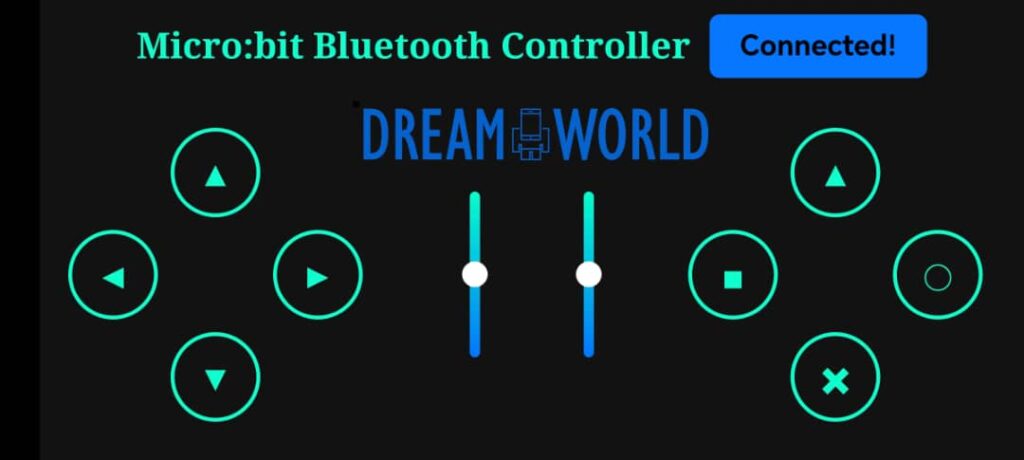
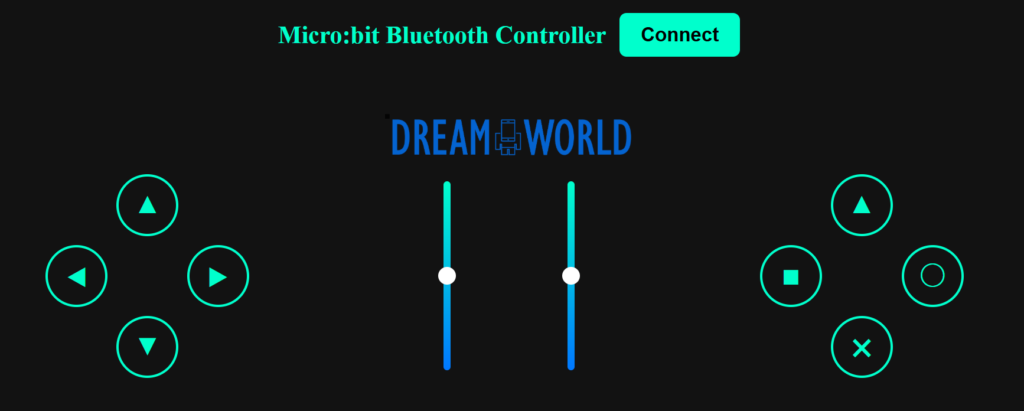
Micro:bit Bluetooth Controller is a PS4 gamepad interface comes with 2 sliders that you can connect your BBC:Micro:Bit robot with your smart phone thru bluetooth. With this setup, you control your robot remotely with your smartphone.
The app is available online for FREE where you can open its website and install the app into your smartphone.
Supported platform:
Android Smartphone This app works best on Chrome Browser and Android Smartphone. Apple iOS meantime is not applicable. If you are going to use this controller for your BCC Micro:bit robot, please consider Android Smartphone the first priority.
How does it work?
There are four (4) steps for making the connection:
-
- Upload your makecode sample code into your BBC Micro:bit.
- Open your Micro:bit Bluetooth Controller app on your smart phone.
- Tap the Connect Button and select your BCC Micro:Bit. Please make sure your smartphone’s bluetooth is ON.
- Once the app shows the connection is Connected, test your button to check the movement of your robot.
Connection problem?
Please check the following:
-
- Make sure you have bluetooth on your Android phone is turned on
- Make sure you have script on your Micro:Bit runs bluetooth UART service and the MakeCode project connection settings are set to : No Pairing Required: Anyone can connect via Bluetooth.
Micro:Bit MakeCode Coding
How do you code?
The App sends data to the Micro:Bit board as simple string commands.
-
- UP button – sends “up”
- DOWN button – sends “DOWN”
- LEFT button – sends “LEFT”
- RIGHT button – sends “RIGHT”
- Triangle button – sends “TRIANGLE”
- Square button – sends “SQUARE”
- Circle button – sends “O”
- Cross button – sends “X”
- each release button sends “STOP”
- SLIDER 1 sends slider value (0-100) preceded with letter “L_” for example: L_0, L_50, L_100
- SLIDER 2 sends slider value (0-100) preceded with letter “R” for example: R_0, R_50, R_100
When Micro:Bit receives the commands you can do whatever you want with it with simple IF statements so it is very easy to adapt the code to your robot design.
Installing The App into Your Android Smartphone
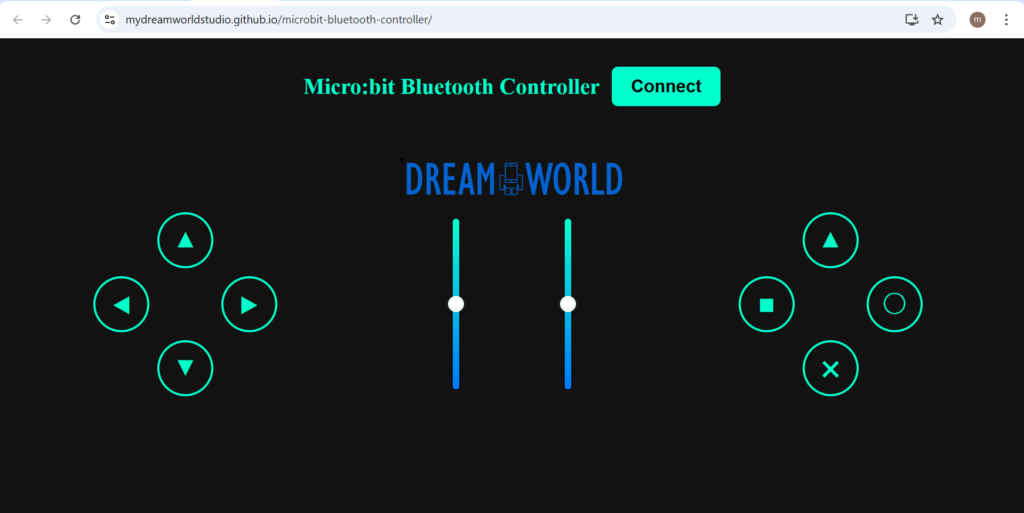
Open the app webpage with your smartphone
Click this link with your ANDROID SMARTPHONE, Micro:bit Bluetooth Controller
Tap the top right corner’s 3-Dot Menu on Chrome
Tap on the 3-Dot Menu on Chrome and you will have a drop down menu box as below:

Tap Add to Home Screen to install the app
Tap on Add to Home Screen to start installing the app and remember to ON your Android Smartphone’s bluetooth:

Connecting your BBC Micro:bit Robot
On your Android smartphone bluetooth and then tap on the app icon to launch the Micro:Bit Bluetooth Controller. Then follow the step by step below to initiate your connection: